
Get lifetime access to Sato Player

Limited slots available
Ends in
00
:
00
:
00
:
00

.png)
Custom HTML5 Video Player for Wordpress
Host videos and stream those on Wordpress with a customizable video player that is easy to build, embed & keep the audience engaged.

Download
Helping teams create branded video experiences
Helping teams create branded video experiences





Compatible with all website builders









Build, customize and embed without friction
Get Started
Video Hosting
Upload videos directly on Sato and stream on Canva without having to switch context.
Branding
Style the video player with your branding assets and customize it match wherever you embed.
Engagement
Generate captions and add call-to-action cards to your videos for higher user engagement.
Quick Embed
Embed the custom video player you build within Canva sites and presentation with a single-click.
Sato is compatible with all no-code builders. Learn how to use with our tutorial guides and docs.
Get Started
Demo players built using Sato


Loved by the no-code community
Blog and resources
View All
September 21, 2026
Sato video player on Wordpress: An HTML5 powerhouse for websites with videos
Sato’s primary offering is the visual UI builder. The no-code editor lets designers change each aspect of the player’s interface to match the design they have in their minds.
Read More

September 14, 2026
Adding videos to portfolio sites: Why it matters and how it affects your visitors?
No matter what you do with your portfolio site, it cannot be denied that adding videos on it will only amplify the experience you want your visitors to have. Learn how to do that like a pro.
Read More
September 4, 2026
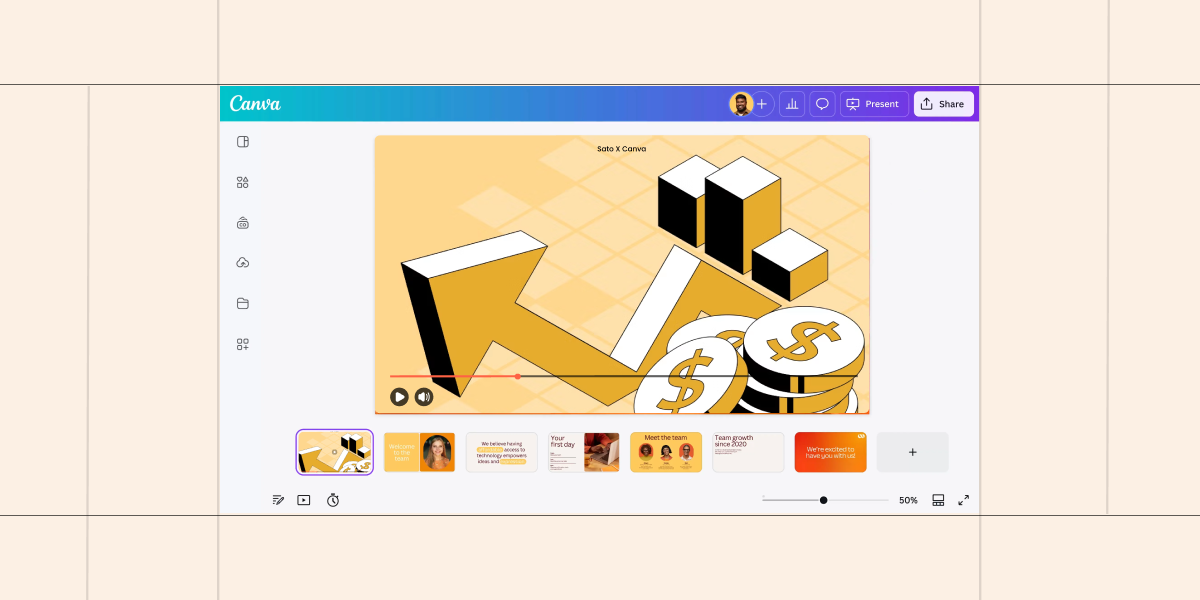
Create Interactive Presentations on Canva with Sato Video Player
Turn boring pitch decks into an unforgettable experience by powering your Canva presentations with Sato Video Player.
Read More
Frequently Asked Questions
What is the Sato Video Player Plugin for Wordpress?


The Sato Video Player plugin for Wordpress powers you to install and run Sato Player directly into your WP sites. Get all the features of Sato Player within the Wordpress dashboard without having to switch context and going to and fro between WP and Sato Player.
Do I need to create a Sato Player account to use the plugin?
Yes. You need to create a Sato Player account to be able to use the plugin you installed on Wordpress. This ensures your videos and video players are successfully synced between the plugin and Sato. This also gives you the freedom to access all videos and players you upload/create on Sato Player directly from the plugin.
Will embedding the Sato Video Player affect my site loading speed?
The video player you embed on your Wordpress does not negatively affect your website loading speed or performance. Instead, it is a lighweight code that accelerates your website performance when compared to other third-party video player embeds.
Is the Sato Video Player plugin for Wordpress free forever?
Yes, Sato Player has a free forever plan which gives you all the customization features for free. It comes with a video storage limit of 5 videos of 200 MB each and a bandwith limit of 1 GB/month. This is great for testing out Sato and getting to know how it works. For higher storage and bandwidth, advanced features like adding call-to-actions and generating AI captions, we have two premium plans you can choose from.
Build your branded video player, visually.
Start with free plan. No credit card required.
Start Now


