Create Interactive Presentations on Canva with Sato Video Player
We’ve all been bored out of our wits staring at slide after slide of static presentations. There’s only so much you can do with bullet points and stock images. In early attempts to make presentations engaging, Microsoft PowerPoint gave us clip art. We’ve come a long way since then. Memes, storytelling, and custom animations have all found their place in modern decks. Yet, the core issue with engagement and interactivity has remained the same.
In this article, we’ll look at how you can create truly interactive presentations on Canva using the Sato Video Player app.
Why Video Matters in Presentations
According to data from Storyboard, embedding video in pitch decks increases reading time by 37% and yields a 17% boost in click-through rates.
Why does this matter? Because whether you're raising funding, teaching complex ideas, or pitching a B2B product, your deck exists to drive action. Research shows that the first major drop in audience attention happens by the third slide. If adding video helps keep time-strapped investors or leads engaged just a little longer, it’s a no-brainer.
The Hidden Cost of Standard Video Embeds
Using videos in presentations isn't new. PowerPoint 3.0 supported local video files back in 1992. True web embedding arrived in the 2010s, but surprisingly, video remains underutilized in pitch decks today.
Most people resort to standard YouTube embeds. While YouTube offers free hosting, it introduces major friction for high-stakes presentations:
- External Distractions: Standard players often end with suggested videos, meaning your pitch deck could accidentally finish with a competing product testimonial or a 20-minute comedy compilation.
- Brand Mismatch: YouTube’s default controls stick out, clashing with carefully designed slides.
- Performance Drag: Web embeds often slow down deck loading times, hurting the user experience.
Meet Sato Video Player for Canva
Sato Player is a no-code video player builder offering over 80 design and playback customizations, giving you complete control over how your videos look and behave.
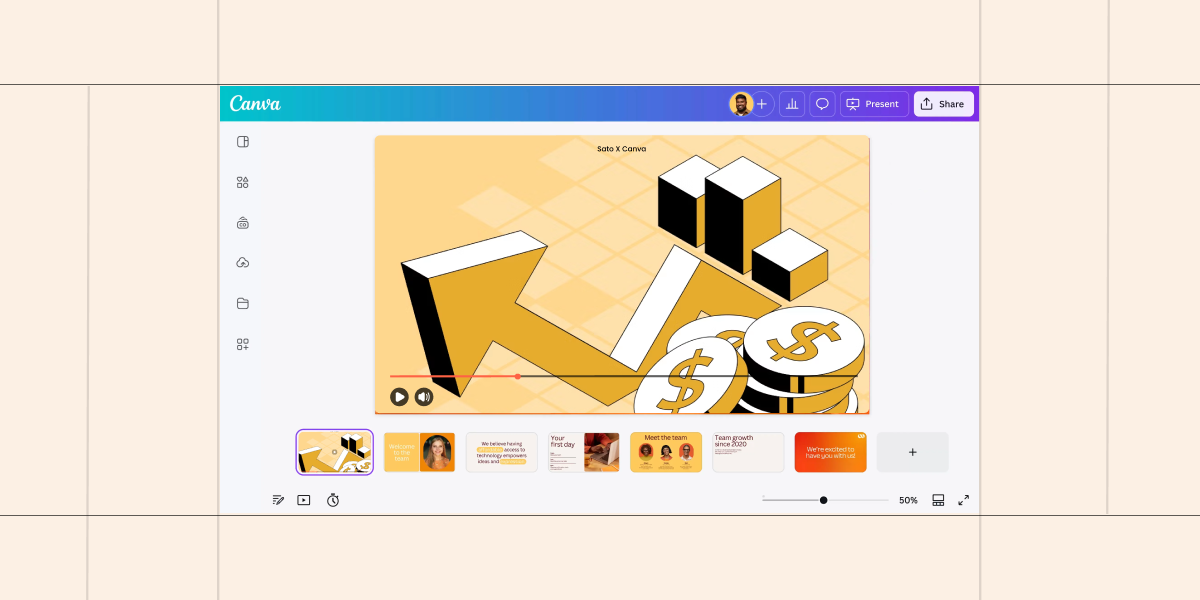
With the Sato Video Player app for Canva, you can access all these customization features directly inside your Canva workspace without constantly toggling between platforms. Sato also includes built-in video hosting, letting you upload and stream seamless video right within your presentation.
Built for Engagement & Action
Sato Player goes beyond basic video playback, offering three key features designed to boost completion rates and drive action:
- Auto-Generated Transcriptions: Automatically create captions so your audience can follow along even with the sound muted.
- Super-Progress Bar: A subtle psychological nudge that hides timestamps and visually speeds up the progress bar early on, reducing drop-off rates and boosting video completion.
- Interactive In-Video CTAs: Add clickable call-to-action cards featuring custom text, images, and external URLs at specific timestamps. For sales decks and shared investor pitches, this turns video views into immediate conversions.
Upgrade Your Canva Decks Today
If you're looking for a fully branded, distraction-free video experience that drives real audience interaction, Sato Video Player gives you everything you need to transform static slides into interactive experiences.
Special Offer: We’d love to hear how you’re using Sato in Canva! Reach out to us at hello@satoplayer.com to unlock a special lifetime license offer.