Need a Custom Video Player for Webflow
Webflow is the ideal choice for many developers for creating websites. But when it comes to video players, most of them usually stick to the native player or embed from YouTube. But every time developers are embedding these players they are giving up on a chunk of controls right from customization to branding and functionality.
And when you are creating a website for your clients you would want a player that should match the aesthetics of the website. Something that’s highly customizable and doesn’t lag. Not something that looks out of place, loads slowly, or brings along someone else’s branding. That’s exactly where Sato comes in.
Sato is a highly customizable no-code HTML5 video player that can be easily embedded on your webflow builds. You can customize colors, controls, play buttons, branding, and layout without touching complex code. Whether you are creating a portfolio page, landing page, microsite, e-commerce site or any website, Sato helps streamline your video workflows and match your video player’s vibe with your design vision.
Embedding Sato to your Webflow site is quite easy:
- Go to your webflow site
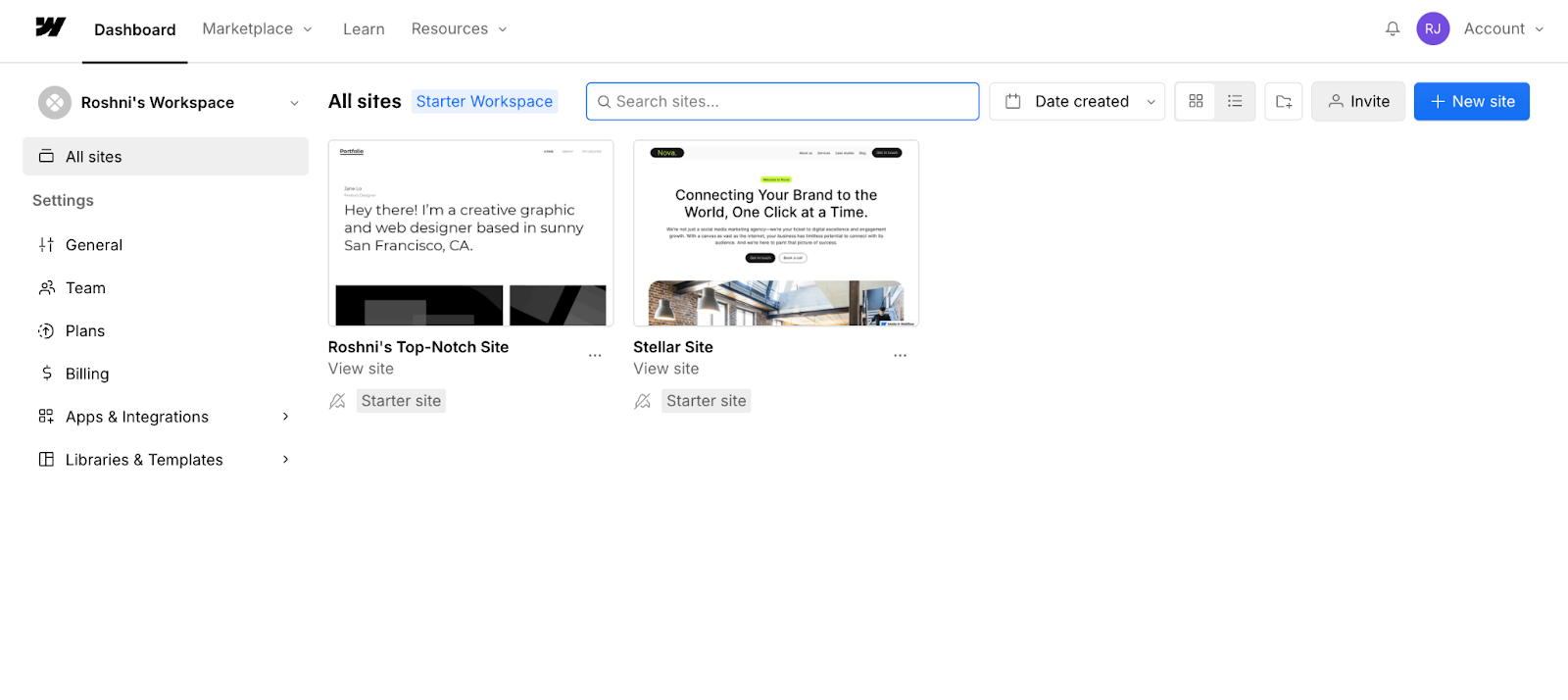
- Go to apps and search for Sato video player and install the app
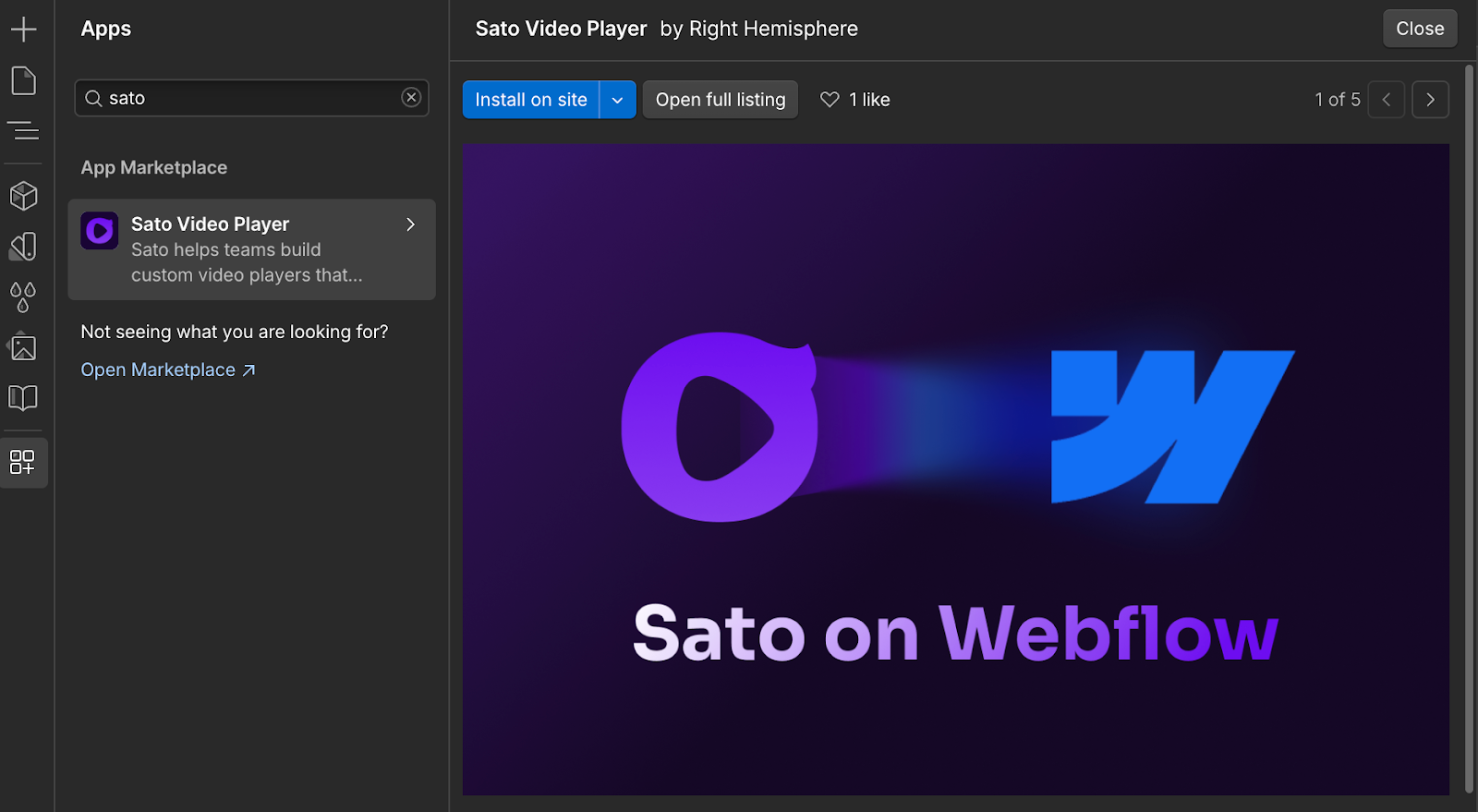
- Create your sato account or login to your existing account if you have one
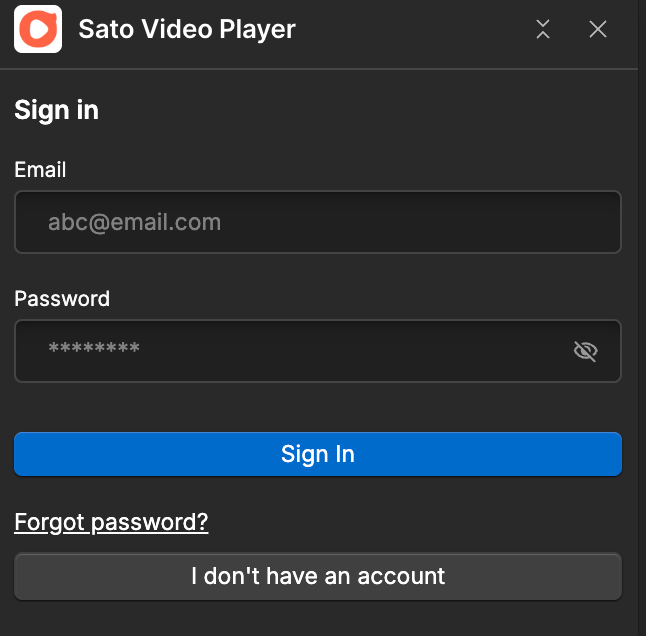
- Create a player and start customizing it
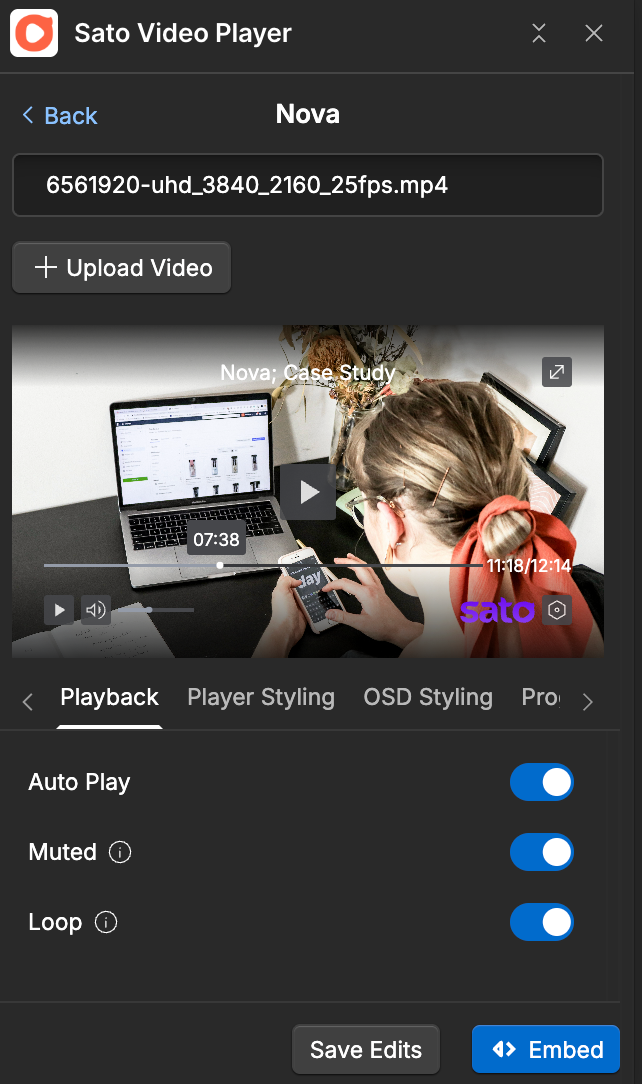
- Select an element, click embed and just like that your player is embedded on your beautiful website

You can start using Sato and experiment with its features. As far as pricing plans are concerned, you can either opt for a free, paid or custom plan as per your business requirement. We are also planning to launch the player on other platforms, till then have a happy time embedding the player on Webflow.
P.S. - Make sure to never compromise on the player because your video player should hold the same standard as your video itself.