
Get lifetime access to Sato Player

Limited slots available
Ends in
00
:
00
:
00
:
00

November 28, 2025
Deleting and Resetting your Player
Delete
To delete the video player you have created follow these steps:
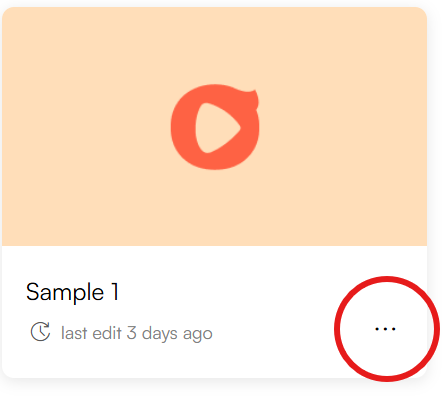
- On your dashboard home, click on the three-dot button on the player thumbnail
- You will see the option for duplicating and deleting the created player
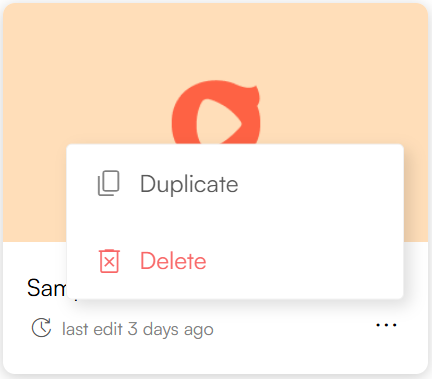
- Click on Delete and you will see confirmation pop-up
- If you confirm, the player will be permanently deleted
Reset
To reset the player:
1. Enter the player and navigate to the bottom of the customization panel.
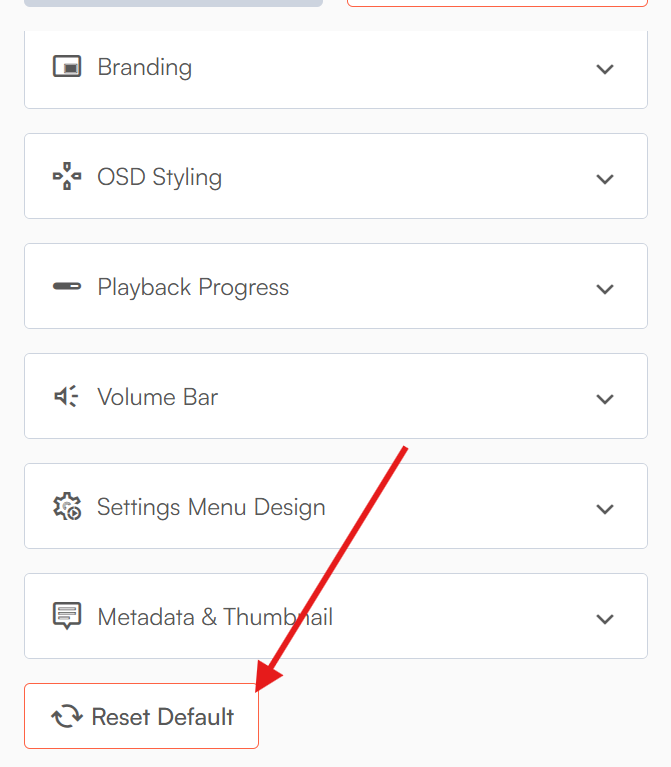
2. Click on the Reset button and you will a confirmation pop-up
3. If you confirm, the player will reset to its default
These are permanent actions and cannot be reversed.
Curious to see what Sato can do?
No credit card required.
Start Now


