How to Add Captions to Your video?
.png)
Tell me, how many times have you scrolled past a video because there were no captions? You're not alone. Studies show that 85% of videos on social media are watched without sound. If your videos don't have captions, you're literally talking to people who can't hear you.
The good news? You don't need to be a developer or spend hours manually typing out transcripts. Sato Video Player makes it ridiculously easy to add captions to your videos automatically.
Captions Made Effortless with Sato
Sato uses built-in speech-to-text technology powered by AssemblyAI, a voice AI platform that converts audio into text using features like live transcription, summaries and caption generation. Once you upload your video, AssemblyAI automatically transcribes it and captions are ready in minutes. No manual typing, no hiring freelancers, no complicated setup. You get full control to show or hide captions with a single click, making your content work anywhere, whether your viewers are on a noisy commute or sitting in a silent office.
But it doesn't stop at captions. Sato also generates a full text transcript of your video, which you can instantly repurpose into blog posts, social media content or email copy. Think about it, you record a product demo or tutorial, drop it into Sato and within minutes you have live captions and a clean, readable transcript ready to copy-paste wherever you need it. That's hours of work saved, every single time.
Simple Steps to Add Captions with Sato
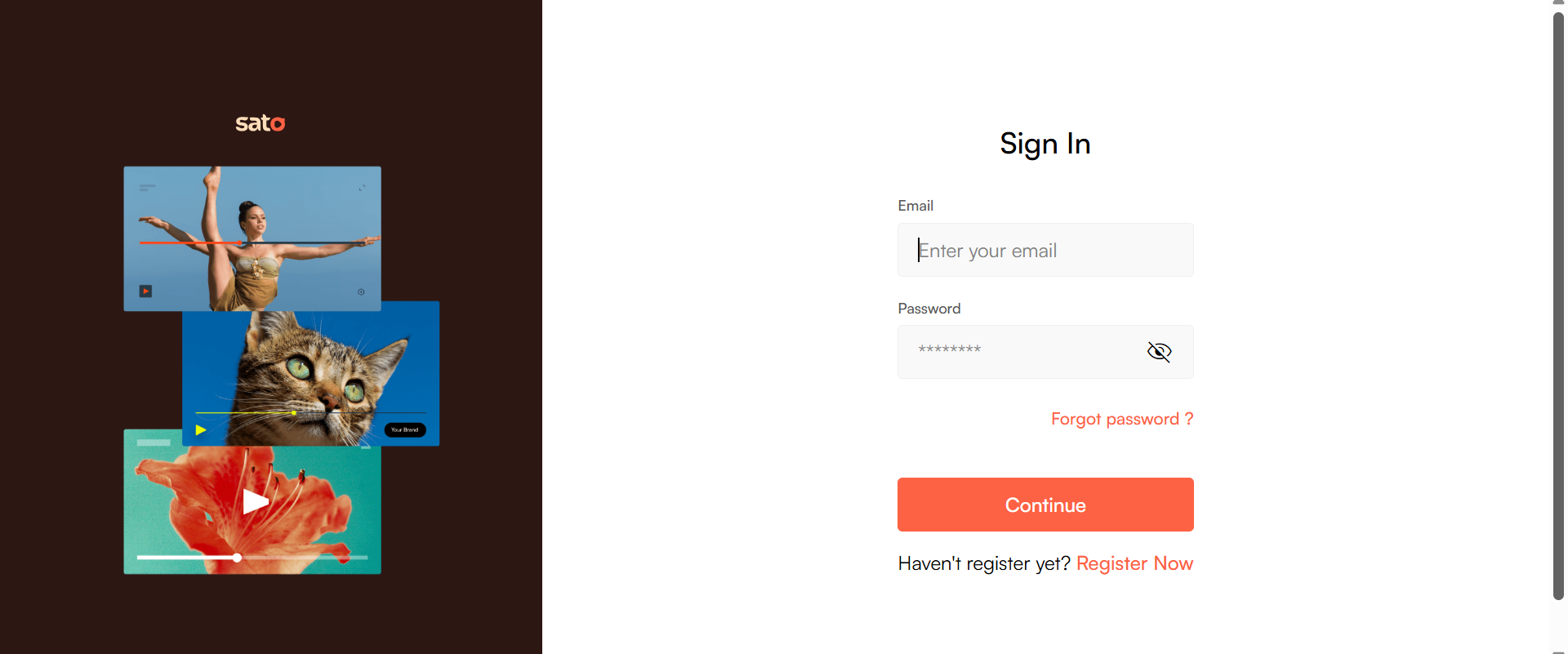
Step 1: Log in to your Sato account
Go to satoplayer.com and log in to your dashboard.
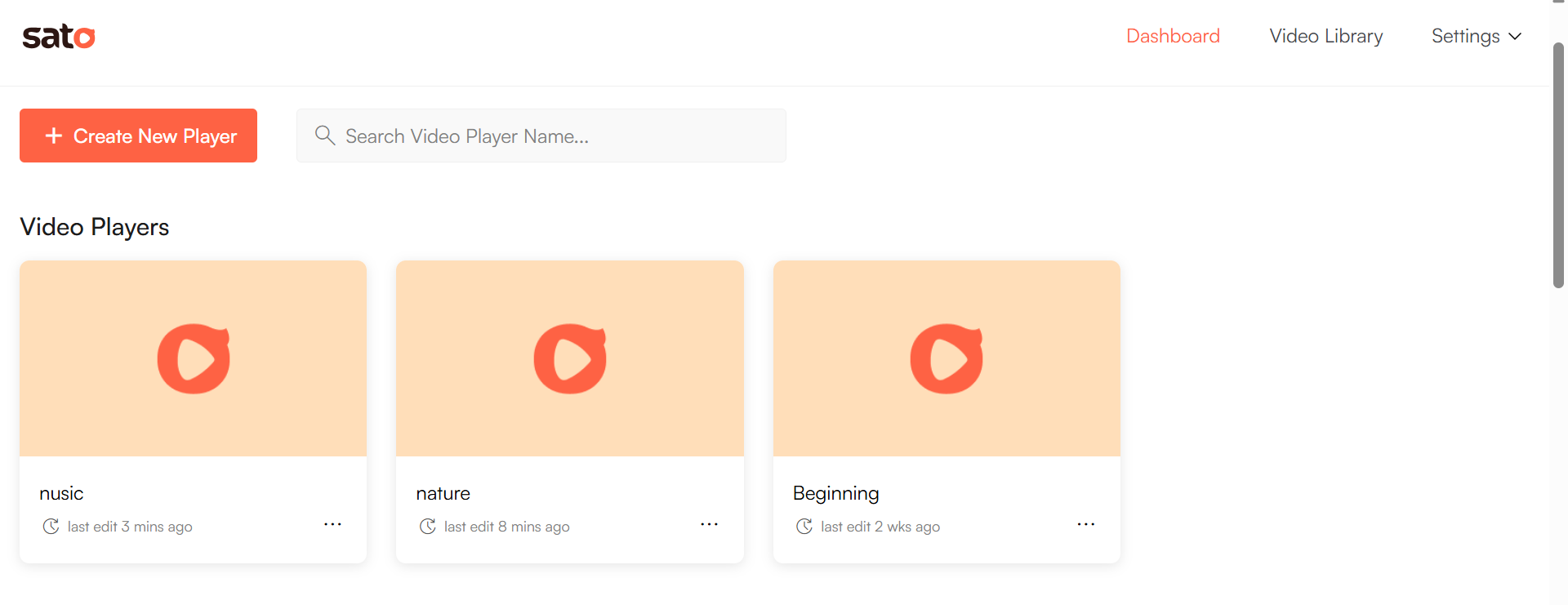
Step 2: Open your video
From the dashboard, click on the video you want to add captions to.
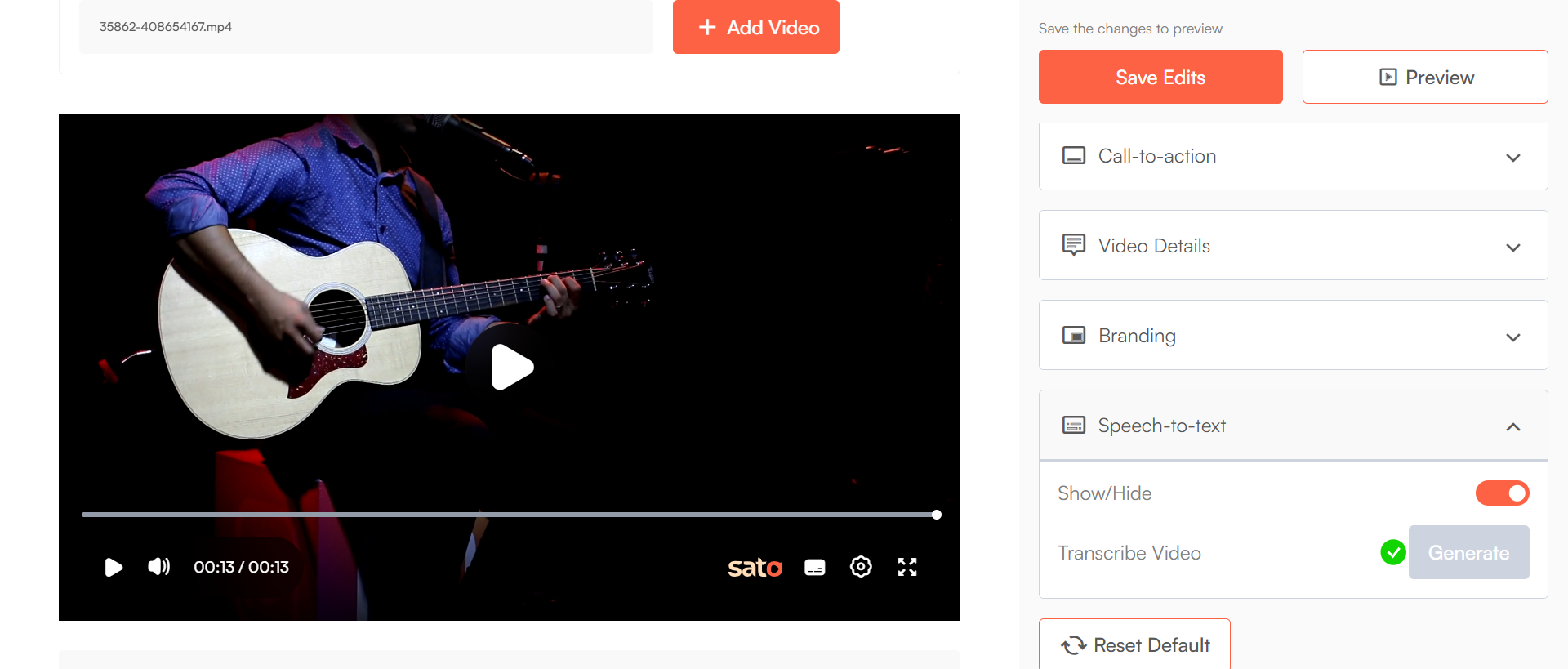
Step 3: Go to the "Speech to Text" option
From the customizations, find and click on the Speech to Text section.
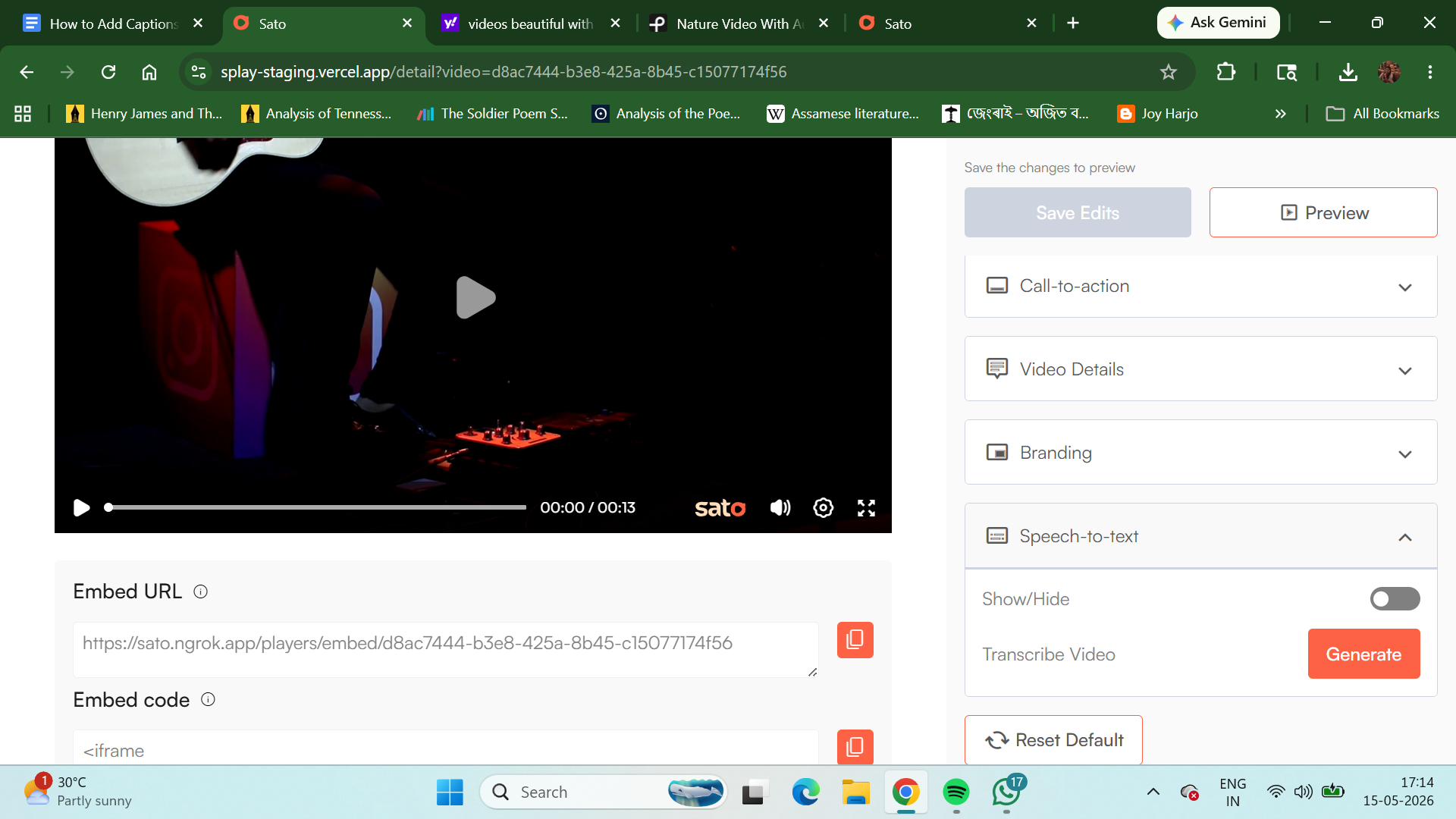
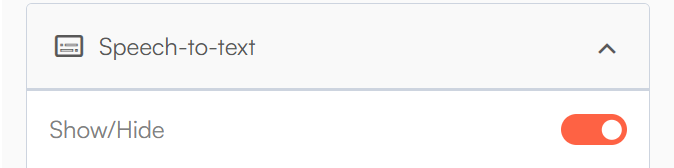
Step 4: Show/Hide captions
Once generated, you'll see a toggle to Show/Hide captions on the player.
Step 6: Transcribe your video
In the same Speech to Text section, you'll find the option to generate a full video transcript. This gives you a complete text version of everything spoken in the video.
And that’s it, your captions for your video are ready!
Try Sato Video Player today and let your videos speak for themselves, even on mute.