A first look at Sato’s latest features

It’s been over a year since our users started using Sato, and they are quite happy using it. And why not? From fully customizing the video player to match their brand, to enhancing the overall viewing experience, Sato puts them in total control.
But as our users continued exploring the player, their expectations naturally grew – they wanted to provide a more interactive experience with features like call-to-action and auto-captioning.
When they shared their expectations with us, they were thrilled to learn that we were already working on it.
A sneak-peek into our new features
Keeping our users' requirements in mind, we are introducing features that take your videos – and your brand – to the next level.
Pre-built Player Themes
One of the most common challenges we’ve seen is that, although clients enjoyed customizing the players, it often took "more than expected" time to style every detail, especially when it comes to the player theme.
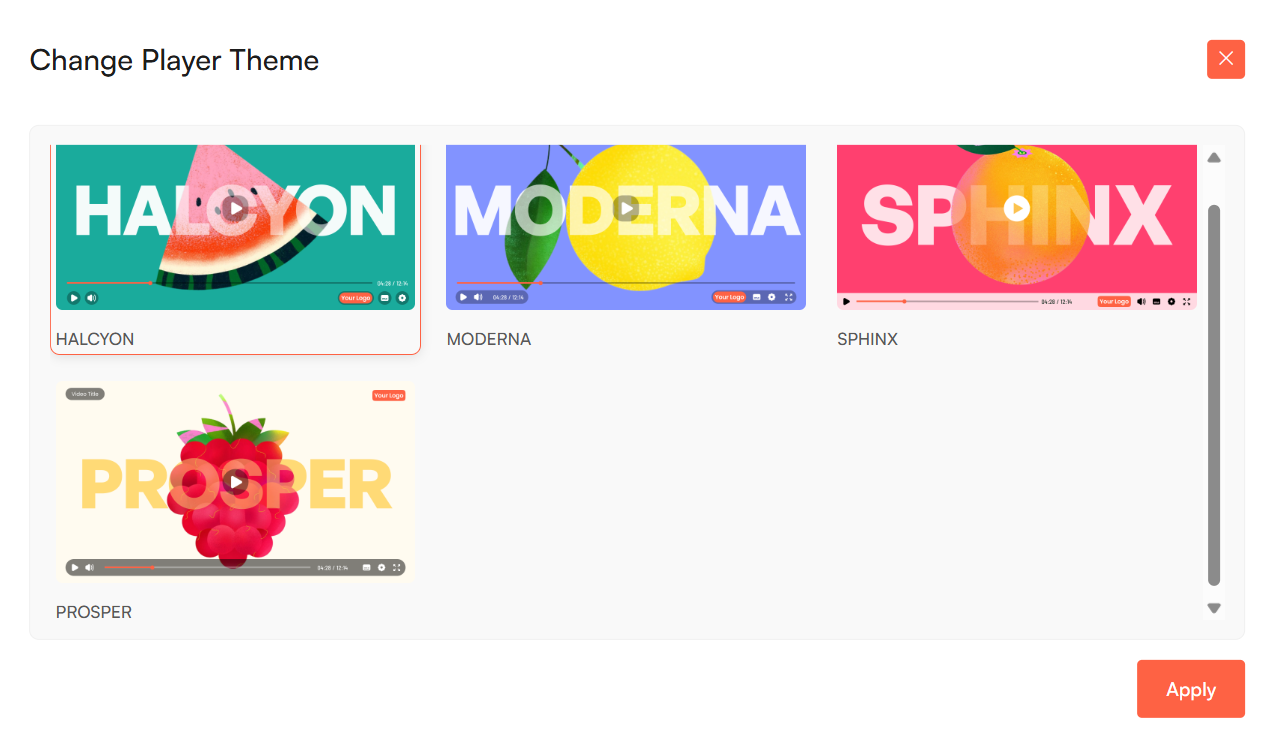
That’s why, alongside our classic player, we have added three pre-built themes. Now, you don’t have to start from scratch or tweak the layouts endlessly. Just pick the theme style that aligns best with your design and brand – and you’re good to go.
If you’re figuring out which theme suits your business best, our blog offers a quick overview.
In-Video Call-to-Action (CTA)
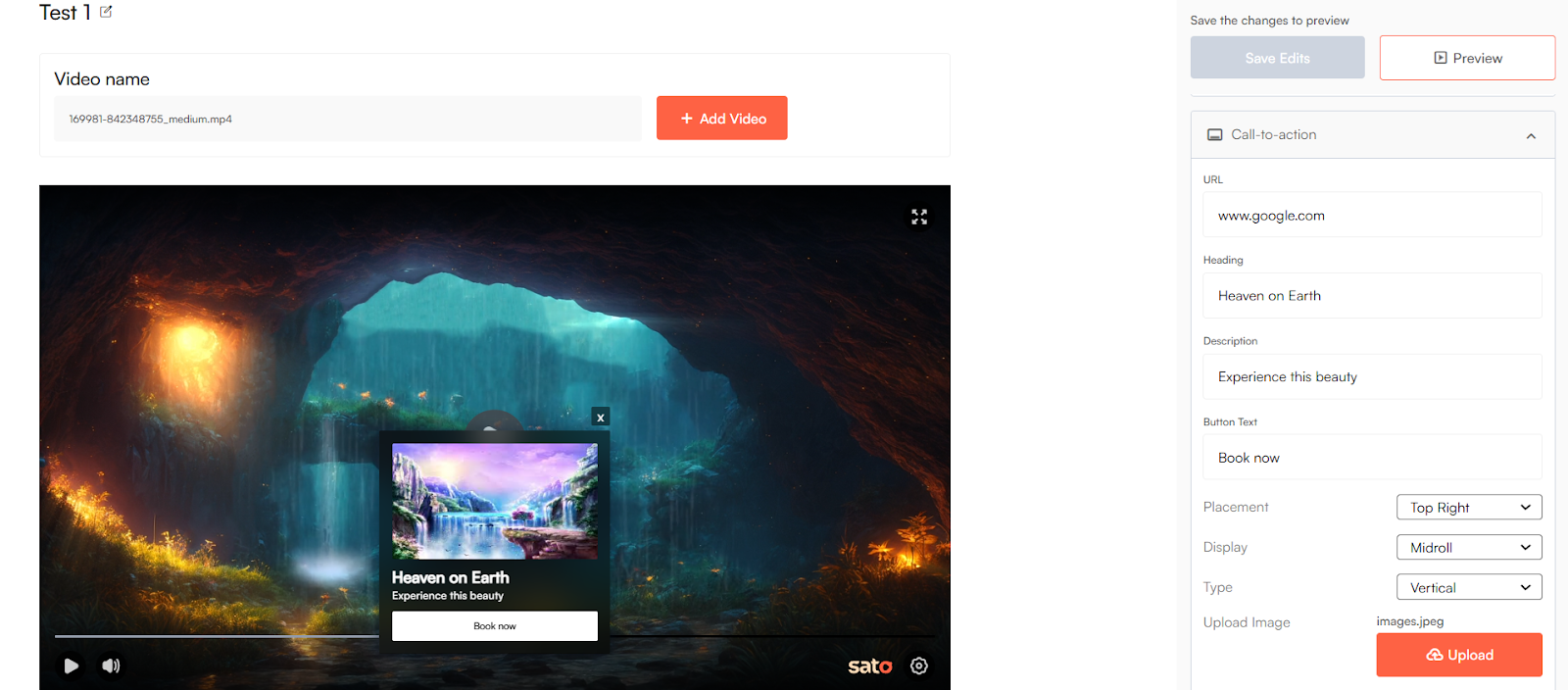
Among the features that our users have requested the most is the in-video call-to-action. And it’s easy to see why: to turn passive viewers into active customers.
Whether at the start, mid-way, or at the end, you can now add CTAs directly within your videos – guiding viewers toward the action you want them to take.
AI Captions
A video without captions works, but limits your reach.
So we made sure Sato takes care of that.
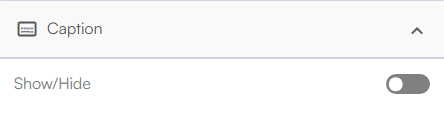
Now, if your audience watches your videos on mute or in a noisy environment, our AI captions will give them an uninterrupted experience while making your content accessible to everyone.
Just make sure the toggle is turned on.
Super Progress
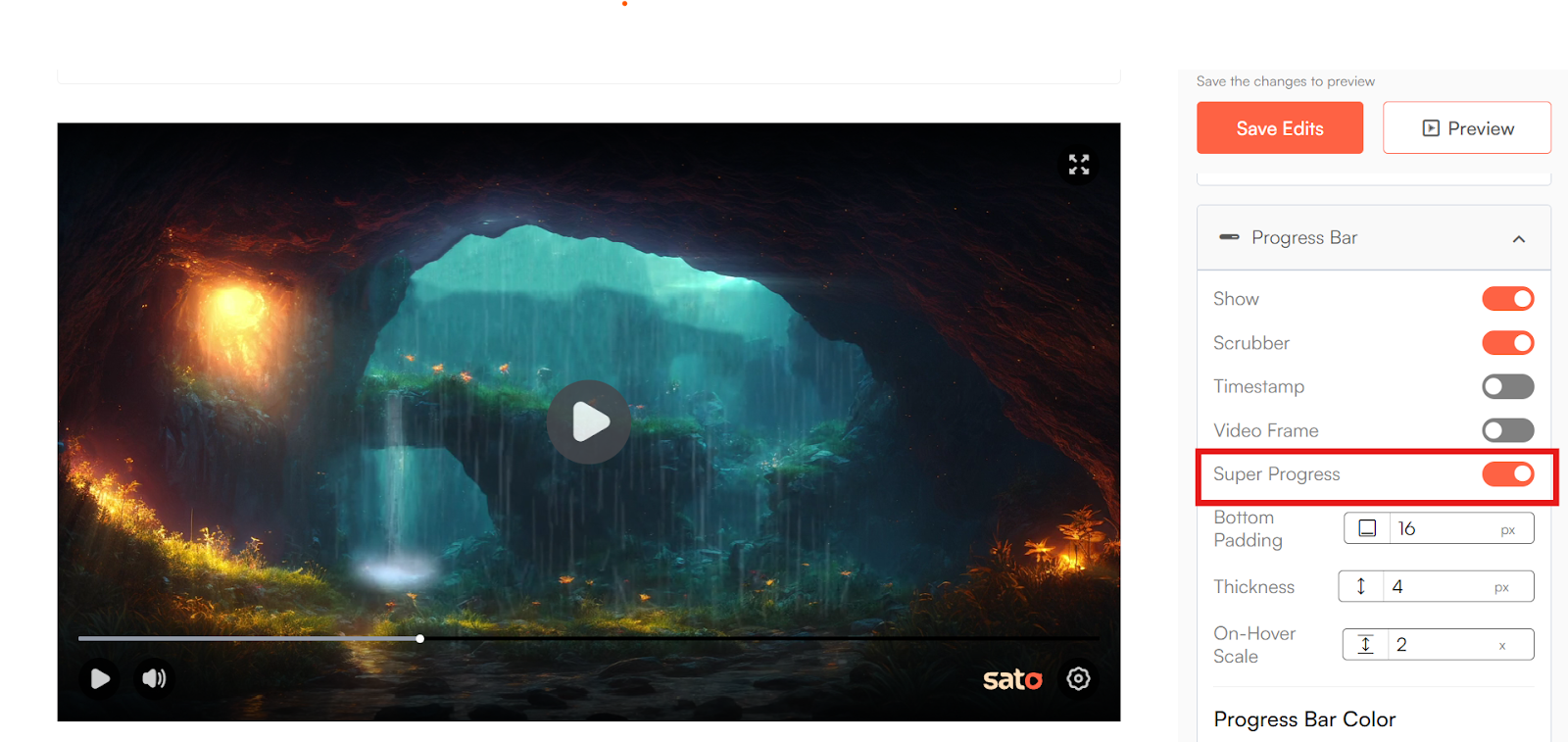
What if your videos didn’t feel as long as they actually are?
Super Progress makes that possible. It creates a subtle simulated effect that makes the progress bar appear to move faster, giving your viewers the impression that the video is shorter (although it isn't).
And as the video plays, the progress bar gradually aligns with the actual playback speed, keeping the experience smooth and natural.
This smart visual cue keeps your viewers hooked and encourages them to stay until the end.
Video Frame
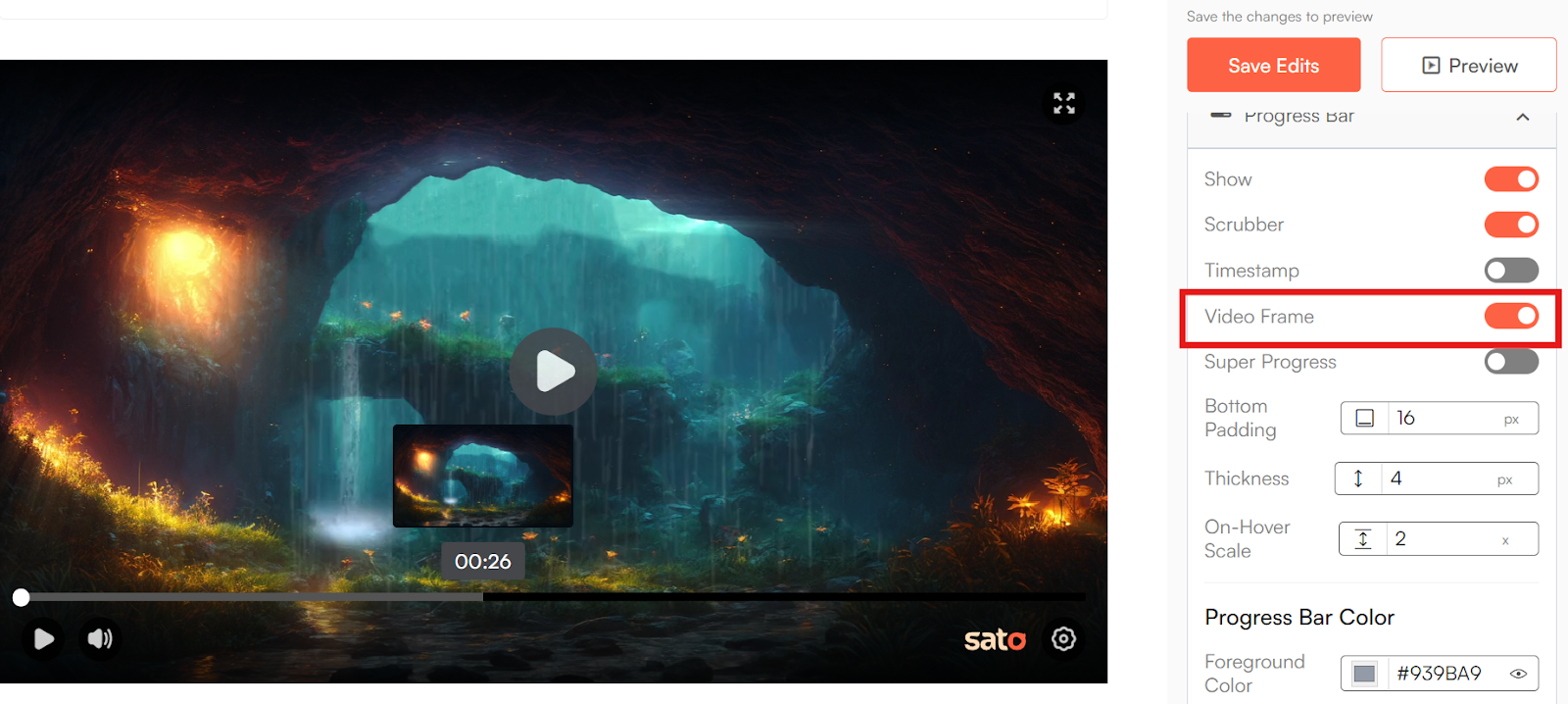
Finding the right moment in a video shouldn’t feel like guesswork. Which is why we have introduced Video Frames.
With this feature, people will be able to preview scenes directly on the progress bar and jump to exactly what they’re looking for. So, no more dragging the timeline bar back and forth.
You can turn this feature on or off. That’s totally your call.
But we’d recommend keeping it on – it’ll give your audiences a smoother, more guided experience.
Why businesses must switch to Sato
Before switching to Sato, most of our users had already explored other video players, and the features worked just fine. While these tools offered features similar to Sato, they came at a much higher cost – around $79 (₹ 7,403) per month – making them impractical for smaller businesses or small projects.
That’s where Sato makes a difference.
Even with advanced features included in its Pro plan, Sato remains thoughtfully priced – $8 (₹850) per month, making it financially accessible for businesses of all sizes.
So, whether you’re a big team or just getting started, you can always try out Sato without stretching your budget.
We can’t wait to see what you create with it.