How to integrate a customizable HTML5 video player into a website?
The traditional approach to embed a video was a challenging task for the developer community. Using raw HTML5 <video> tags often requires manual adjustments and is time consuming. With the rise of no-code tools, this process has become even more accessible, especially with Sato Player, a fully customizable video player built for modern web experiences.
In this blog let us get a brief idea on how sato can help in reducing the stress among the developer and designer communities.
How does Sato player - a no code tool helps in integrating a video player to your website?
Sato Player streamlines this entire process with an intuitive interface that lets you make a custom video player and publish it without writing a single line of complex code.
Build your video player with Sato
To get started, login to your Sato account and upload your video. From there, you can customize playback based on how you want users to interact with your content.
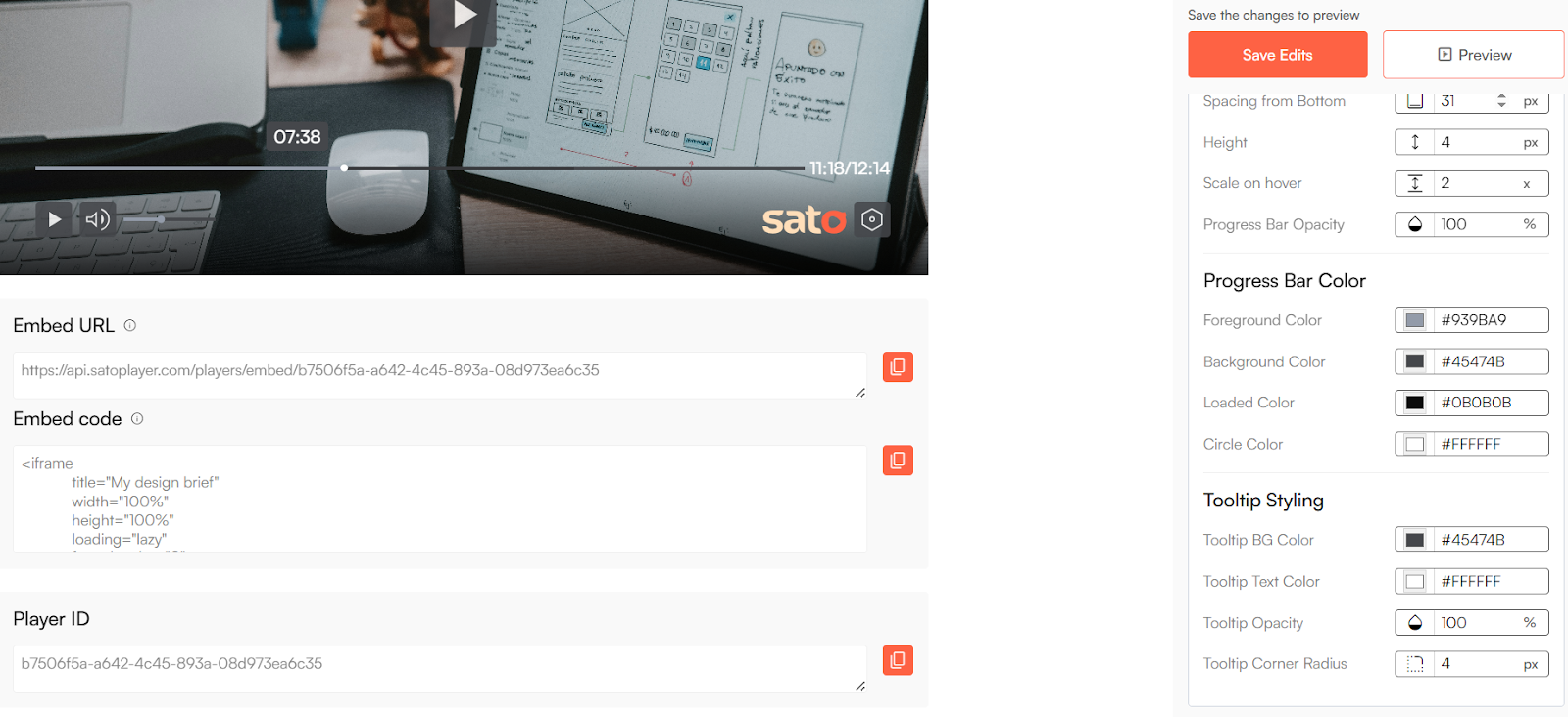
Once your player looks and behaves exactly how you want, Sato generates an embed code for you.
Integrating it into your website.
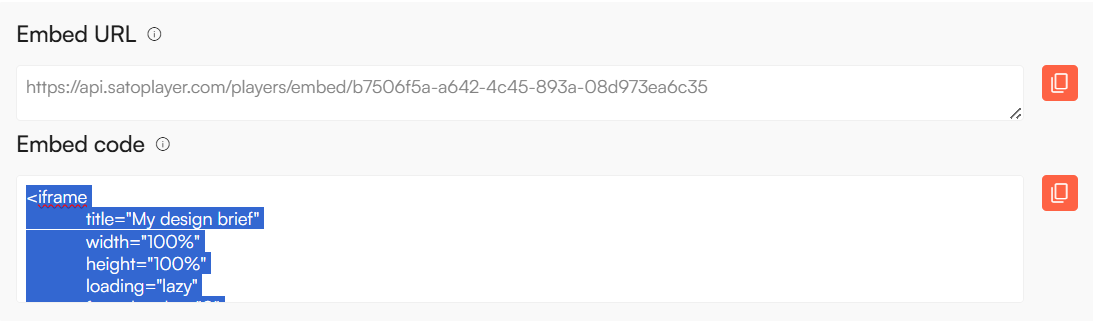
Copy the embed code snippet or the embed URL and then go to the website you want to integrate the video player into. Click on embed and paste it into the space for the HTML file you want the video to appear.
The player will automatically display ensuring a smooth and responsive experience. And just like that, your cool video player will be added to the website.
With Sato, you can deploy the custom video player, in minutes, ensuring a smooth playback and streaming experience across all devices. Instead of worrying about coding, you can focus on crafting better content while delivering a polished video experience. Using Sato to integrate on your website makes your workflow faster, cleaner, and more efficient.